Unlock Your Nonprofit Portal:
How to Set Up Your Account
Charity Navigator provides tools and insights that empower nonprofits to build trust and effectively showcase their work.

Strengthen Your Profile. Build Donor Trust.
By managing your nonprofit’s profile and by submitting beacon data to Charity Navigator, your nonprofit can ensure your listing is up to date and can earn scores for the assessments we offer. This contributes to your overall Charity Navigator rating.
To get started, here is how to sign up for a Nonprofit Portal account.
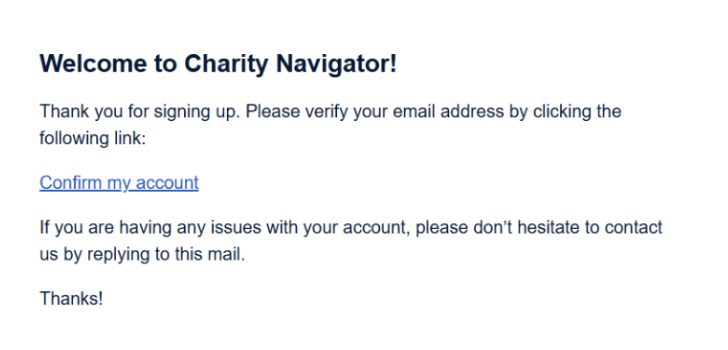
Create a general Charity Navigator account if you do not have one already.
-Note: If you already have one, but it is a personal account, it is best to create a new one using your nonprofit's “.org” domain.
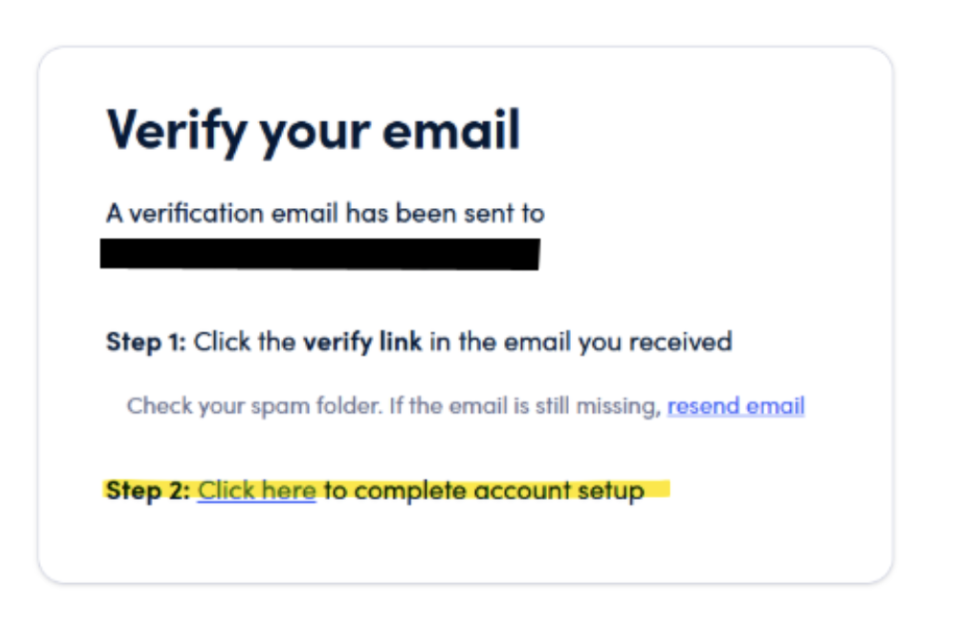
Click on the link provided on our website to complete the account setup.
Provide your email, first and last name, and your nonprofit’s EIN number in the appropriate boxes displayed.
Agree to the portal terms and conditions. Please note, a separate agreement will be displayed regarding our Giving Basket.
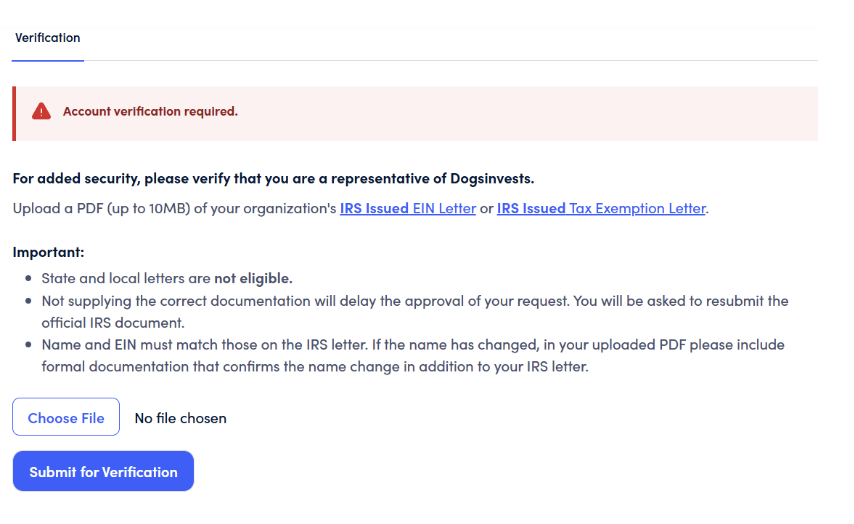
Once your email is confirmed, you'll gain access to the nonprofit portal, where you can effortlessly upload and edit information. In some cases, you may be asked to submit IRS documentation as part of the verification process (Image below). If that is the case, in the portal, you will be asked to upload your organization’s IRS-issued EIN letter or IRS-issued Tax Exemption Letter. (Image below) Once submitted, it will be reviewed, and assuming all is good, you will be approved and granted access within 3 business days.